Most business owners know they need more Google reviews. The problem is not motivation, it is time. Asking customers one by one, remembering to follow up and keeping track of who you have asked quickly becomes another job on an already long list.
The good news is that most of the work can be set up once and then left to run. This guide shows you how to build a simple review system that collects reviews in the background, without breaking Google's rules or annoying your customers.
Get your Google review link, add it to every invoice, receipt and job completion email, put a QR code or NFC tap card where customers pay, and send one automated follow up a day or two after each sale. Then reply to every review that comes in.
- The easiest way to get more reviews is to build the request into things you already do, such as invoices, emails and texts.
- A direct review link, a QR code and an NFC tap card cover online, printed and in person requests.
- Short, friendly message templates save time and keep requests consistent across your team.
- One automated follow up gives busy customers a second chance to review without becoming a nuisance.
- Never offer incentives, gate reviews or set staff review targets.
In this article
Step 1: Get your review link and QR code
Everything starts with a direct link to your review form. Google lets you copy this link and download a matching QR code from your Business Profile on a computer. Our guide to finding your Google review link shows exactly where to click.
Two tips save effort later:
- Make a memorable redirect. Ask your web developer to set up a short address such as yoursite.co.uk/review that redirects to your Google link. It is easier to say out loud, easier to print and you can change where it points without reprinting anything.
- Save the QR code in high resolution. You will want it for signs, flyers and business cards.
Step 2: Add the link to what you already send
The lowest effort reviews come from messages you already send to customers. Add a short line and your review link to each of these:
| Touchpoint | What to add |
|---|---|
| Invoices and receipts | "Happy with our work? A quick Google review helps us a lot" plus your link or QR code |
| Job completion or order emails | A friendly thank you and a clear review button |
| Email signature | A single line with your star rating and a "Review us on Google" link |
| Booking confirmations | Nothing yet. Ask after the service, not before |
| Text messages and WhatsApp | A short thank you with the link, sent once the job is done |
Step 3: Make in person requests effortless
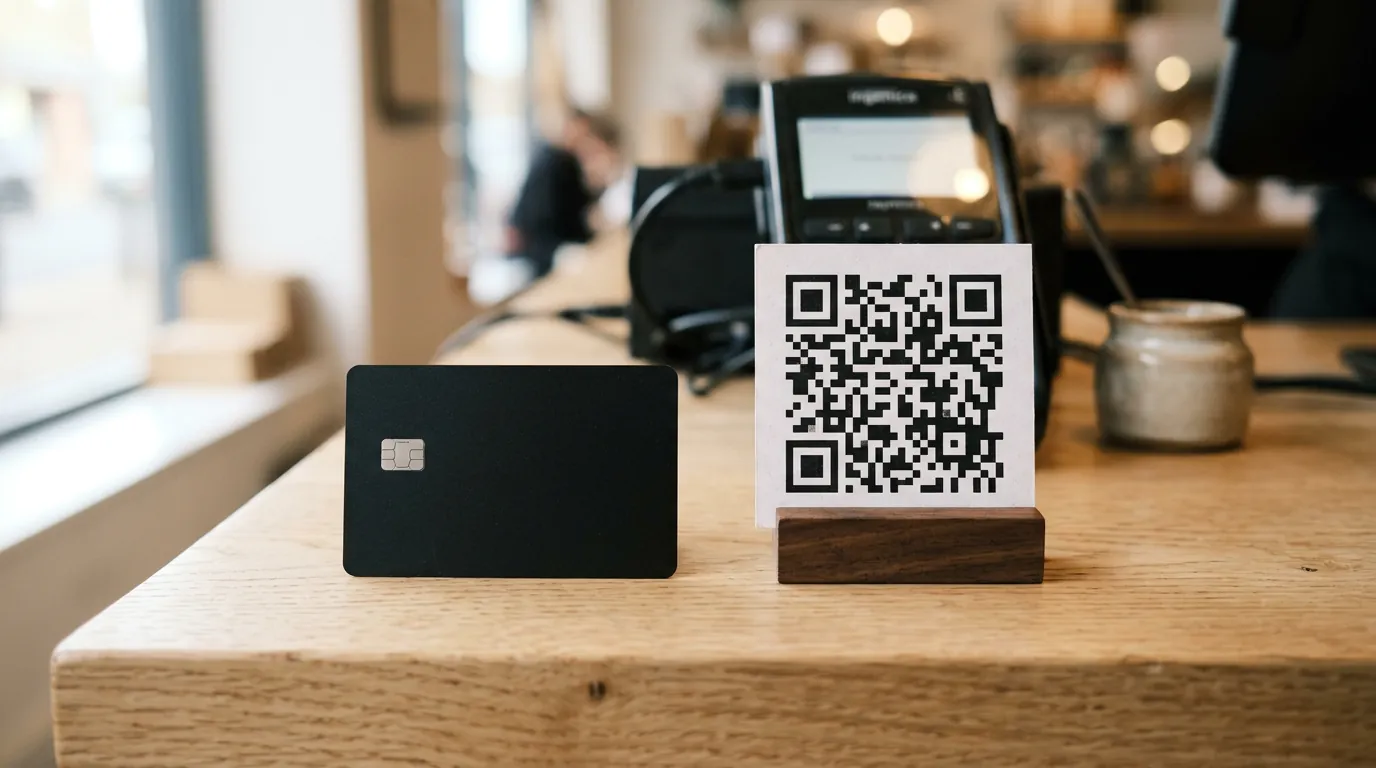
If customers visit your premises or you visit theirs, give them a way to review on the spot. Google recommends printing and displaying your QR code in store. An NFC review card is even quicker: the customer taps their phone and the review form opens straight away, with no camera or app needed.
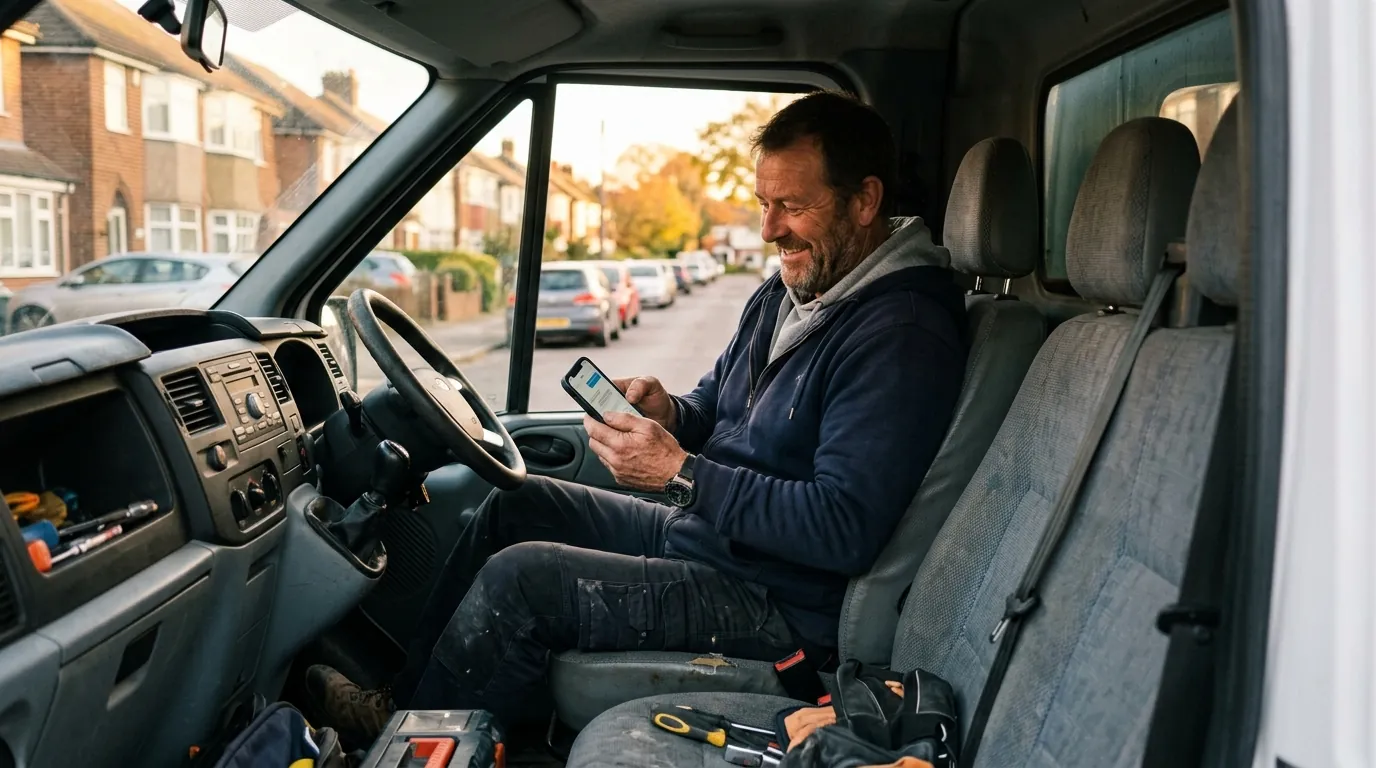
Keep the card at the till, on the reception desk or in the van, and train your team to mention it naturally: "If you have a second, tapping this takes you straight to our Google reviews."
Google says businesses should not require or pressure customers to leave reviews while they are on the premises. Offer the card, then let the customer decide. A relaxed request gets better reviews anyway.
Step 4: Use ready made message templates
Templates remove the hesitation of writing a fresh message every time. Here are three you can adapt.
Text message after a job
"Hi Sarah, thanks for choosing us today. If you are happy with the work, a quick Google review would mean a lot to our small team: [link]. Thank you!"
Email after an order or appointment
"Thank you for visiting us this week. We read every review and they help other local people find us. If you have two minutes, you can leave one here: [link]."
One follow up, two or three days later
"Just a gentle reminder in case it got buried: here is the link for a Google review if you would like to leave one. No worries if not, and thanks again."
We set up simple review systems, from review links and QR codes to NFC cards, as part of every local SEO plan.
Step 5: Automate the follow up
Many booking systems, job management tools, till systems and email platforms can send a message automatically once an appointment is marked complete or an order is delivered. Set up one review request and one follow up, then stop. More than that starts to feel like nagging.
Send the request to every customer. Tools that first ask "how did we do?" and only send happy customers to Google are known as review gating, and Google does not allow businesses to selectively solicit positive reviews.
Step 6: Reply to every review
Replying keeps the cycle going. Customers who see that you respond are more willing to leave reviews themselves, and BrightLocal found that 80% of consumers are more likely to use a business that responds to every review. Set aside ten minutes a week, or turn on notifications so you can reply as reviews arrive.
What not to do
Do not offer discounts, prize draws or freebies for reviews. Do not ask staff, friends or family to review you. Do not set staff targets for review numbers or ask customers to mention specific words or names. Google removes reviews that break these rules, and since 6 April 2025 UK law has treated fake reviews and concealed incentivised reviews as unlawful.
Whether you trade in Southampton, Newcastle or Coventry, a steady flow of fresh reviews is one of the quickest local wins available, and it is built into every local SEO plan we run. You can find every city we cover on our SEO locations page.
How long until you see results?
Once the system is running, most businesses see a noticeable increase in reviews within the first month, simply because more customers are being asked. The effect on rankings builds more slowly, as your review count, recency and rating all improve together. Our guide to how reviews improve your Google Maps ranking explains what to expect.
Frequently asked questions
What is the easiest way to get Google reviews?
Add your direct review link to every invoice, receipt and completion email, display a QR code or NFC card where customers pay, and send one automated follow up after each sale.
Can I automate Google review requests?
Yes. Many booking, job management and email tools can send a review request when a job or order is completed. Send it to every customer and limit follow ups to one.
What is review gating and is it allowed?
Review gating means asking customers how they feel first and only sending happy customers to Google. Google does not allow businesses to selectively solicit positive reviews, so every customer should receive the same request.
Can customers leave a Google review without a Gmail account?
Customers need to be signed in to a Google Account, but it does not have to be Gmail. Google lets people create an account using any existing email address.