Improving your Google Maps reviews is not about clever tricks. It comes down to two things: getting more genuine reviews from real customers, and handling the reviews you already have in a way that builds trust. Here are five practical tips that work for almost any local business, whether you run a salon in Bristol, a garage in Derby or a cafe in Glasgow.
Make reviewing effortless, ask every customer at the right moment, reply to every review, respond calmly to criticism and keep everything genuine. Do those five things consistently and your rating, review count and map pack visibility will all improve over time.
- Make leaving a review as easy as possible with a direct link, a QR code or an NFC tap card.
- Ask every customer at the moment they are happiest, then follow up once.
- Reply to every review: 80% of consumers are more likely to use a business that does.
- Treat negative reviews as a chance to show future customers how you handle problems.
- Never offer incentives or ask only happy customers, as both break Google policy.
In this article
1. Make leaving a review effortless
Every extra tap costs you reviews. If a customer has to search for your business, scroll to the reviews section and find the button, many will give up halfway.
Google lets you create a direct review link and a QR code from your Business Profile, and suggests adding them to receipts, thank you emails and printed signs in your premises. Our guide on how to find your Google review link walks through the steps.
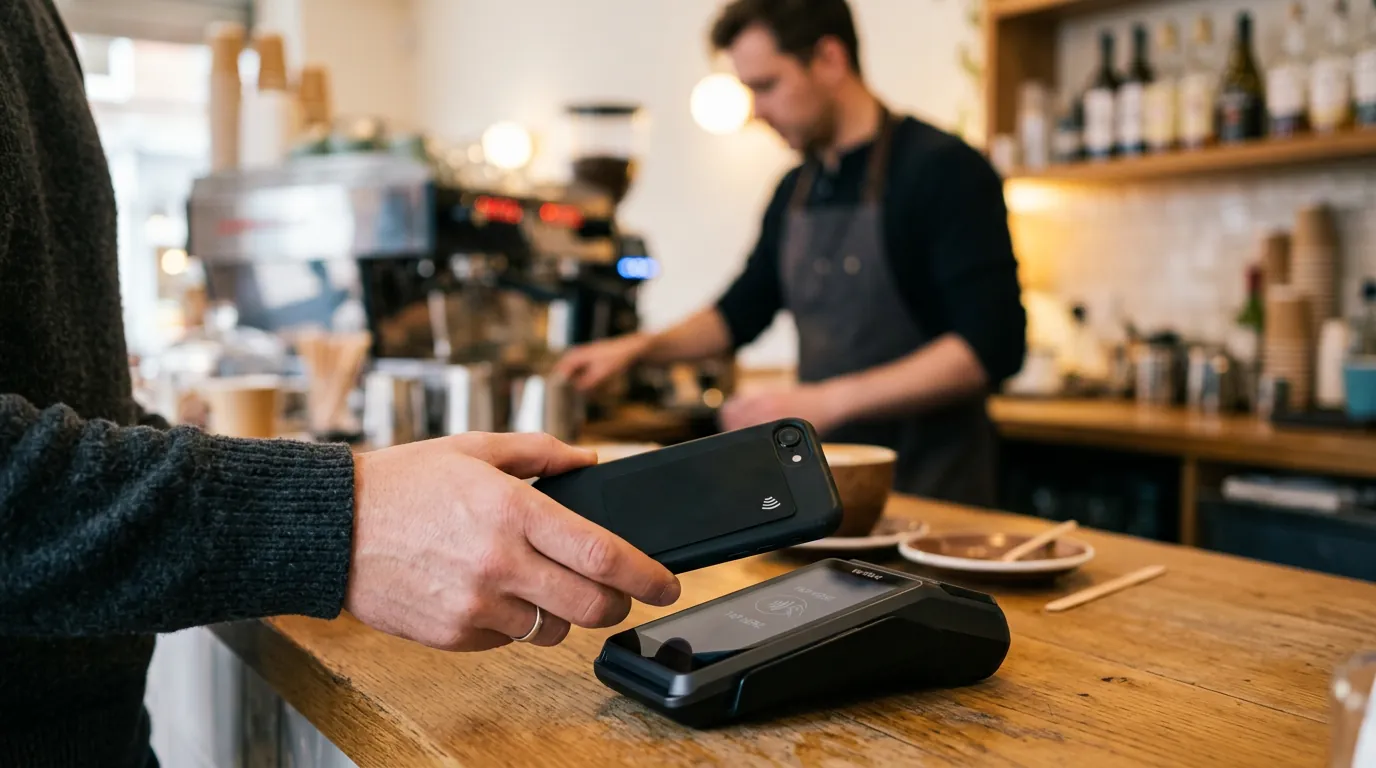
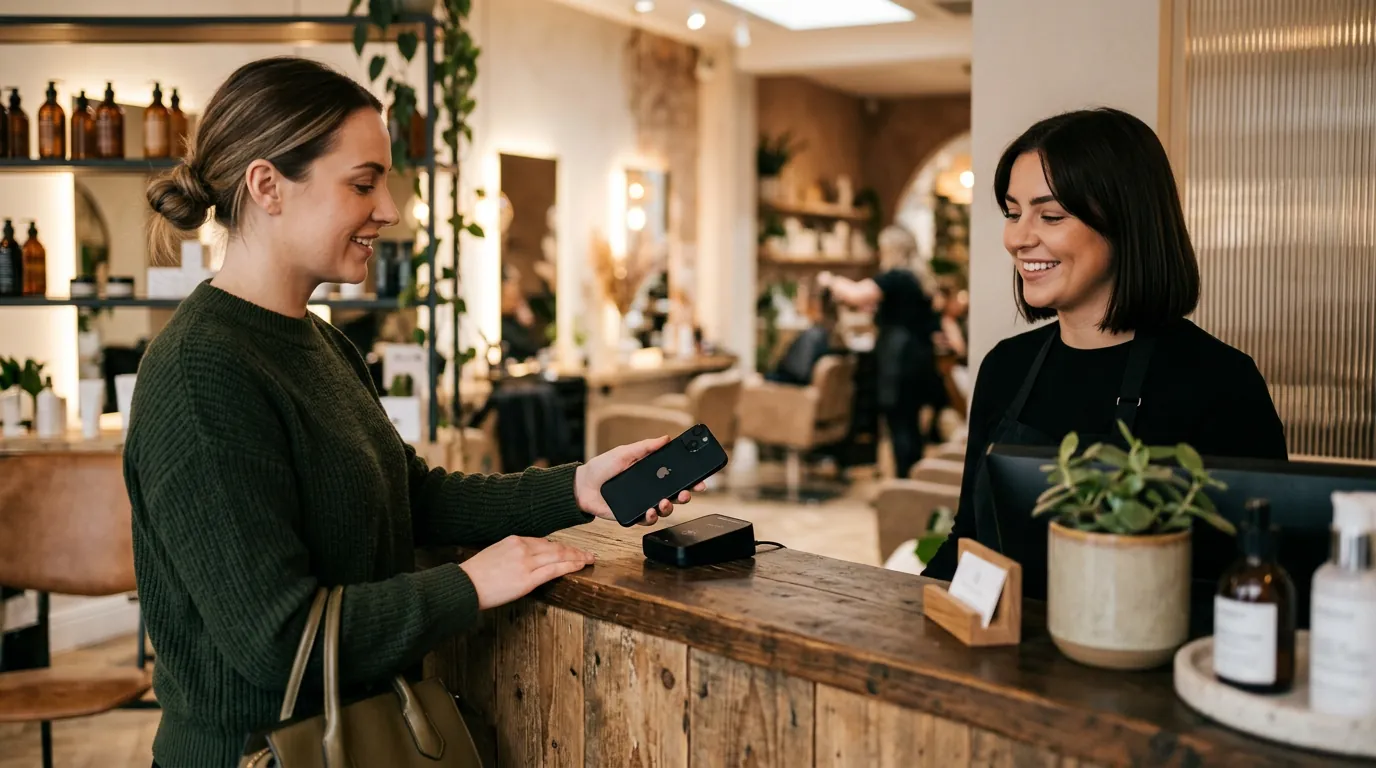
For businesses that see customers face to face, an NFC review card goes one step further: the customer taps their phone on the card and the review box opens immediately.
2. Ask at the right moment
Most happy customers are willing to leave a review. They simply do not think of it unless you ask. BrightLocal's 2026 survey found that 78% of consumers had been asked for feedback by a business in the past year, and 28% say they always leave a review when asked.
The best time to ask is when the customer is most satisfied: when the job is finished and working, when they collect their order, or when they thank you. A short, friendly request works better than a script:
"Thanks so much for choosing us. If you have a minute, a quick Google review really helps a small business like ours. Here is the link."
Follow up once by text or email if they do not get round to it. Do not chase repeatedly, and do not stand over customers while they write. Google specifically says businesses should not pressure people to leave reviews while they are on the premises.
3. Reply to every review
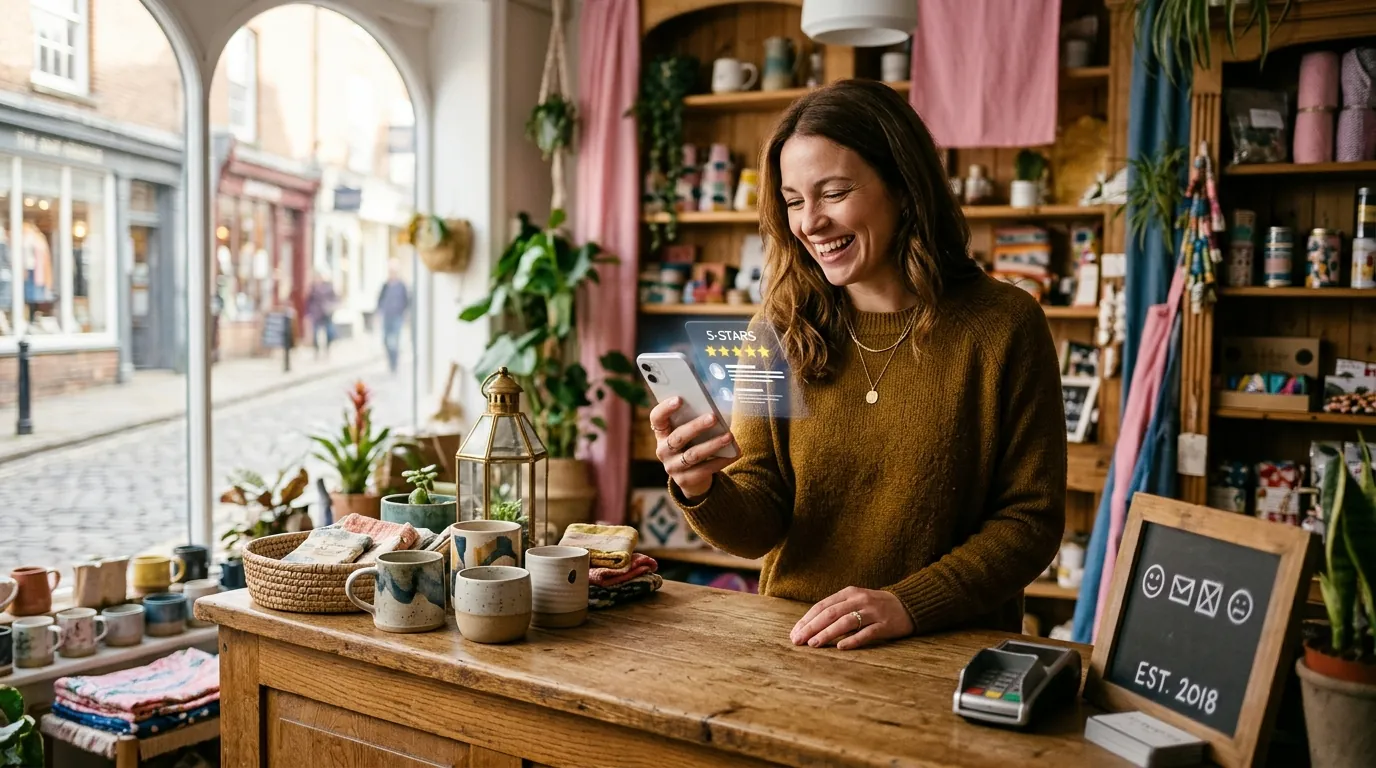
Replies show that a real person is paying attention. BrightLocal found that 80% of consumers are more likely to use a business that responds to every review, while 42% are unlikely to use a business that ignores its reviews entirely.
Google's advice for replies is simple: keep them short, polite and relevant, and avoid turning them into adverts. Use the customer's name, mention what they bought if it feels natural, and sign off with your own name. Two sentences are usually enough.
We set up simple review systems, from review links and QR codes to NFC cards, as part of every local SEO plan.
4. Handle negative reviews with care
A negative review feels personal, but future customers mostly care about how you respond. A calm, helpful reply can turn a one star review into evidence that you treat people fairly.
- Reply promptly and stay professional, even if the review feels unfair.
- Check your records to understand what happened.
- Apologise where you got something wrong, and explain honestly where something was outside your control.
- Invite the customer to continue the conversation privately by phone or email.
- If a review is fake, abusive or breaks Google's policies, report it rather than arguing in public.
Some customers update their review once a problem has been resolved. Even when they do not, everyone reading can see that you took it seriously.
5. Keep every review genuine
It can be tempting to offer a discount for a review or to send review requests only to customers you know are happy. Both are against Google's rules. Google does not allow incentives of any kind in exchange for reviews, and it does not allow businesses to discourage negative reviews or selectively ask for positive ones.
Since 6 April 2025, the Digital Markets, Competition and Consumers Act 2024 has treated fake reviews and concealed incentivised reviews as unfair in all circumstances. The Competition and Markets Authority can now take action and impose fines directly, so cutting corners on reviews carries real legal risk as well as the risk of Google removing reviews.
Whether you trade in Paisley, London or Nottingham, a steady flow of fresh reviews is one of the quickest local wins available, and it is built into every local SEO plan we run. You can find every city we cover on our SEO locations page.
Bonus tip: put your reviews to work
Once your reviews start to build, use them. Mention your rating on your website, share recent reviews on social media and read them carefully for patterns. If several customers praise the same thing, make it part of your marketing. If several mention the same problem, fix it. Reviews are free customer research as well as a ranking signal.
For a deeper look at why this matters, read why Google Maps reviews matter for local businesses.
Frequently asked questions
How can I get more Google reviews quickly?
Ask every customer, share a direct review link or QR code, and follow up once by text or email. A consistent routine produces more reviews than occasional campaigns, and it avoids the spam filters that sudden spikes can trigger.
Is it OK to ask customers for a Google review?
Yes. Google encourages businesses to ask customers for reviews, as long as you ask everyone rather than only happy customers, do not offer incentives and do not pressure people while they are on your premises.
How should I reply to a one star review?
Reply calmly and quickly, acknowledge the issue, apologise where appropriate and invite the customer to discuss it privately. Keep the reply short and never share personal information.
Will deleting and reposting my Business Profile remove bad reviews?
No, and it can do serious harm. Reviews are tied to your business, and creating duplicate profiles breaks Google's guidelines. Focus on earning new genuine reviews instead.